Is Capcut Pro APK Safe? Security Guide
October 15, 2026 (4 weeks ago)
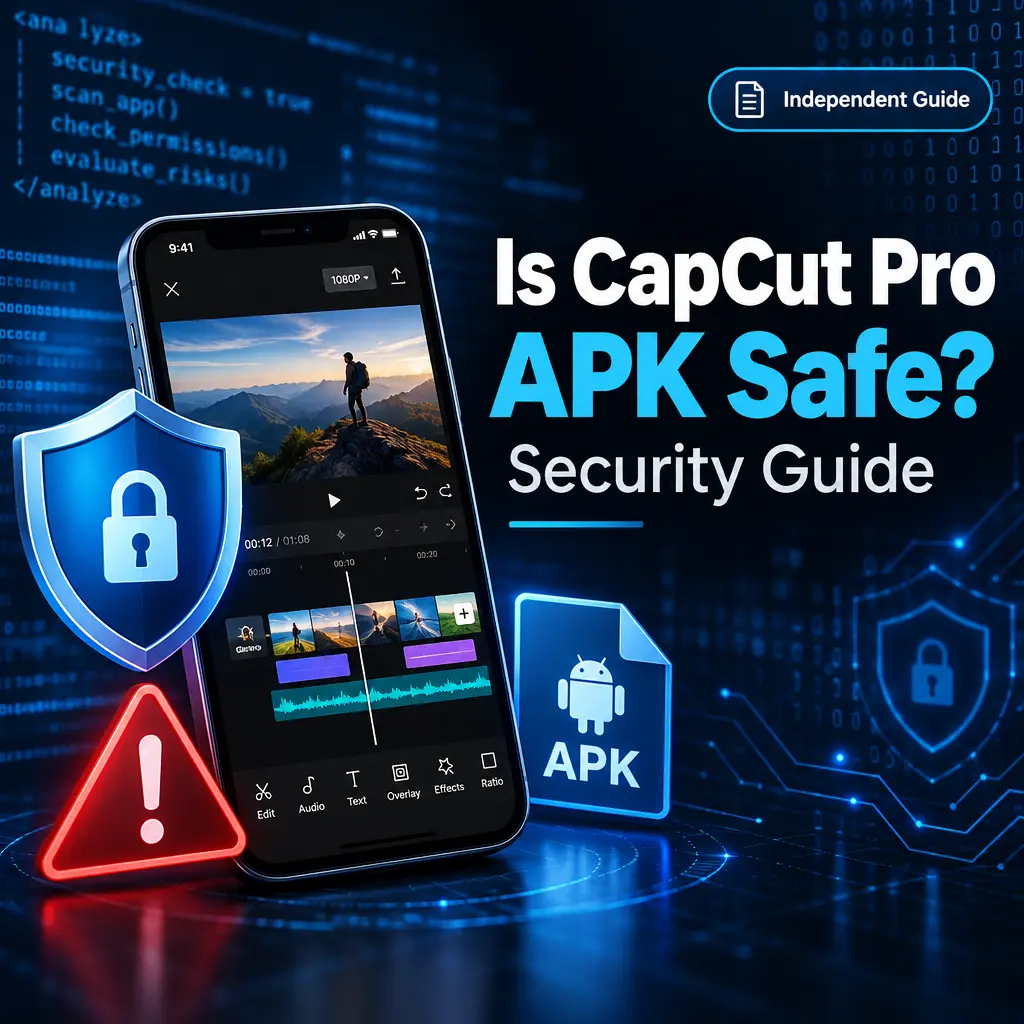
CapCut is a popular video editing app with tools for trimming, splitting, multitrack editing, captions, effects, transitions, templates, background removal, and export options. Availability can depend on your device, region, platform, and plan. When people search for “CapCut Pro APK,” they are often looking for an Android package that claims to provide premium features. That is where security and privacy questions become important. An APK from an unofficial source can carry real risks, especially if it promises Pro features, no watermark exports, or subscription access without the official membership.
This guide is written for general information only. This website is independent and is not CapCut, ByteDance, an official publisher, an authorized distributor, or a verified security laboratory. The linked APK, if offered elsewhere, has not been inspected by us. We cannot confirm its version, safety, scan status, certification, malware status, ad behavior, or premium entitlement.
What “CapCut Pro APK” Usually Means
An APK is an Android app installation file. APK packages are for Android devices only. They are not native apps for iPhone, iPad, Windows, or macOS. If you see a site offering a “CapCut Pro APK,” it usually means the file is being shared outside the normal app store process.
Some websites may advertise these files with claims such as premium tools, advanced effects, smooth export, no watermark, or Pro access. Treat those claims carefully. CapCut Pro features require the appropriate membership in the official app. A third-party APK cannot be assumed to provide real, legal, or safe access to paid features.
Main Security Risks of Unofficial APK Files
- Modified code: An APK from an unofficial source may have been changed. That can affect how the app behaves, what data it collects, or what permissions it requests.
- Malware risk: Unknown APK files can contain unwanted or harmful code. Without proper inspection, there is no reliable way for regular users to know what is inside.
- Fake premium claims: Some downloads use “Pro” wording to attract users but may not actually provide valid premium access.
- Account risk: Signing in to an unofficial or modified app may put your account information at risk.
- No reliable updates: Apps outside official stores may not receive timely security fixes or stable feature updates.
Privacy Risks to Think About
Video editors often need access to photos, videos, audio files, camera, microphone, and storage. These permissions make sense for editing, but they are also sensitive. If an APK is modified or distributed by an unknown source, you may not know how your files or personal data are handled.
- Media access: Your personal photos and videos may contain private moments, faces, locations, and documents.
- Microphone and camera: These permissions should only be granted when needed and only to apps you trust.
- Cloud features: Some editing apps include cloud sync, templates, online assets, or account-based services. These can involve data transfer.
- Tracking and ads: An unofficial APK may include added advertising or tracking components. We cannot confirm whether a specific file does or does not include them.
How to Check an APK More Safely
No checklist can guarantee that an unofficial APK is safe. Still, careful checks can help you avoid obvious risks. If you decide to handle APK files, use caution and do not install anything that seems suspicious.
- Download apps from official sources whenever possible.
- Check the developer name, package name, and app details carefully.
- Avoid files that promise free Pro access, unlocked subscriptions, or guaranteed watermark removal.
- Do not enter account passwords into apps from unknown sources.
- Review permissions before opening the app for the first time.
- Keep Android security updates enabled on your device.
- Remove any app that behaves strangely, shows aggressive popups, or asks for unrelated permissions.
Permission Guide for Video Editing Apps
Some permissions are normal for a video editor, but they should still be handled carefully. The safest approach is to grant only what you need and deny permissions that do not match your use.
- Photos and videos: Needed for importing and editing media. If Android offers limited media access, consider selecting only the files you want to edit.
- Microphone: Useful for voiceover recording. Deny it if you do not record audio inside the app.
- Camera: Useful for recording clips directly. Deny it if you only import existing videos.
- Notifications: Optional for most users. You can disable them if you do not need alerts.
- Storage management: Be cautious with broad storage access. A video editor may need file access, but full control should not be granted without a clear reason.
Android, iOS, Windows, macOS, and Web Differences
APK files are Android-only. You cannot install an APK directly on iOS, macOS, or Windows as a native app. For iPhone and iPad, use the official iOS version through the App Store. For Windows and macOS, use the official desktop app or web version if available in your region.
On a PC, some users run Android apps through an emulator. That is different from installing a native Windows or macOS app. Emulator use may work for some Android apps, but compatibility and performance can vary by device, emulator, app version, and account setup. It also adds another layer of security responsibility because both the emulator and the APK need to be trusted.
CapCut Features and Realistic Expectations
CapCut supports many editing capabilities, including trimming, splitting, timeline editing, captions, effects, filters, transitions, audio tools, overlays, speed controls, and background removal. These features may vary depending on platform, device, region, app version, and plan. Some tools may require an internet connection or a paid membership.
Be careful with websites that guarantee all premium features, 4K or 60fps export, no watermark, or “Pro for free.” Those promises may be inaccurate or unsafe. Official Pro features require the right membership in the official app. If a download claims to bypass payment or unlock subscriptions, that is a strong warning sign.
Safer Alternatives
- Use the official CapCut app from trusted app stores when possible.
- Review the official membership options if you need Pro tools.
- Try free editing features first before paying for any plan.
- Keep a backup of original videos before editing.
- Use separate test media if you must evaluate an unknown app.
- Avoid signing in with your main account on unofficial or modified apps.
Final Safety Advice
So, is CapCut Pro APK safe? The honest answer is that an unofficial APK cannot be treated as safe by default. Unless a file comes from a trusted official source and can be verified properly, there is uncertainty. It may claim to offer premium editing tools, effects, transitions, or exports, but those claims do not prove safety or real Pro access.
For the best security and privacy, use official CapCut versions, manage permissions carefully, avoid subscription bypass claims, and protect your media files. If you depend on CapCut for personal, school, or business projects, the safest path is to use the official app and the correct membership for Pro features.
Recommended For You